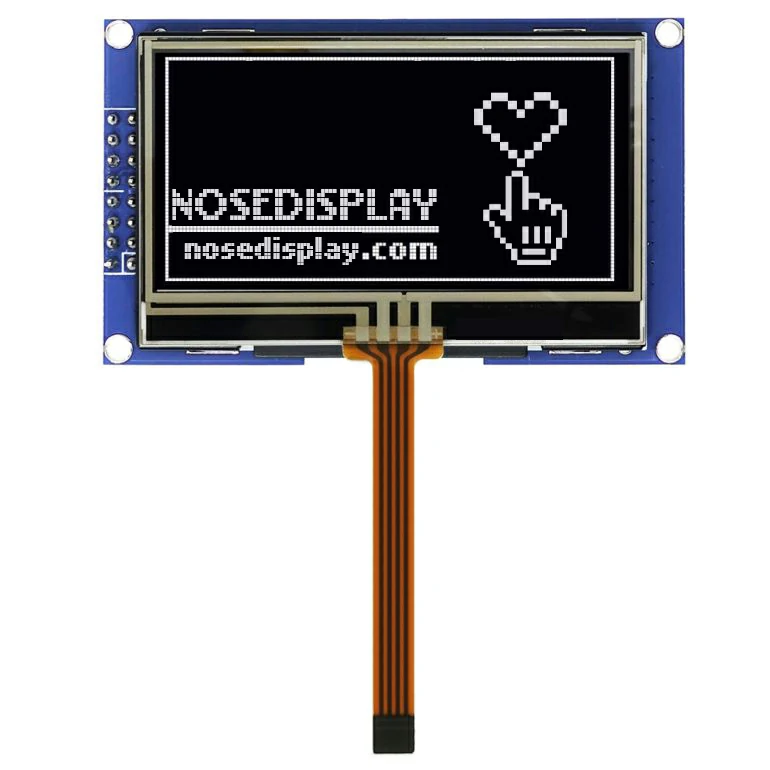
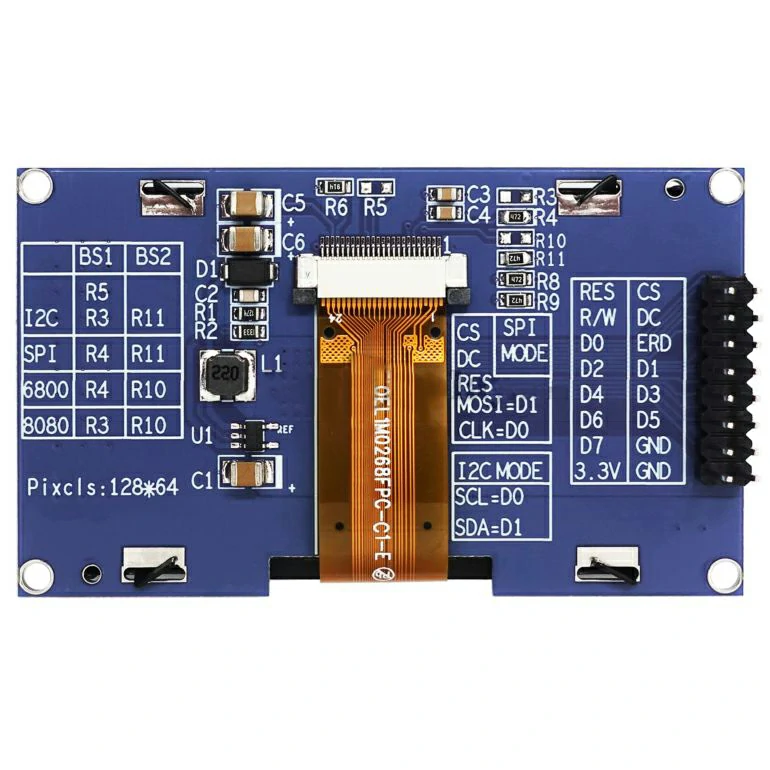
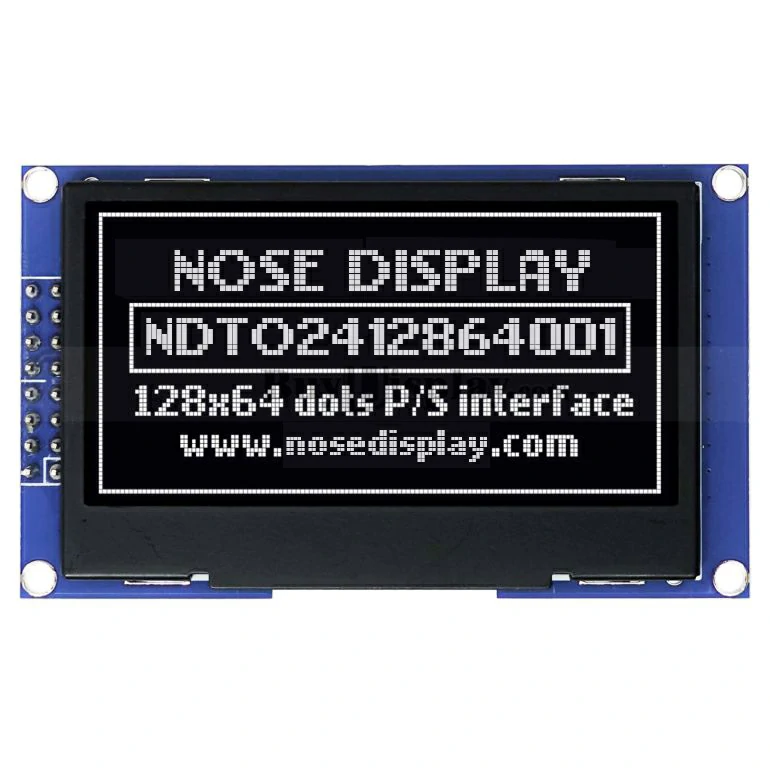
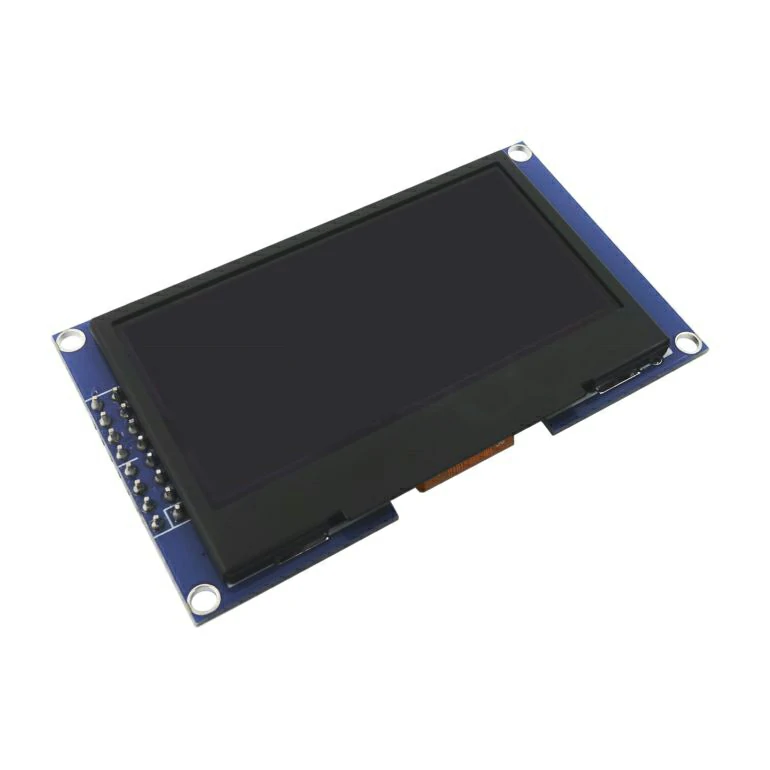


| NO. | Symbol | I/O | Description |
|---|---|---|---|
| 5 | VDD | P | Power Supply for Logic Circuit This is a voltage supply pin.It must be connected to external source. |
| 3 | VSS | P | Ground of Logic Circuit This is a ground pin.It also acts as a reference for the logic pins.It must be connected to external ground. |
| 23 | VCC | P | Power Supply for OEL Panel This is the most positive voltage supply pin of the chip.It must be supplied externally. |
| 2 | VLSS | P | Ground of Analog Circuit This is an analog ground pin.It should be connected to Vss externally. |
| 21 | IREF | I | Current Reference for Brightness Adjustment This pin is segment current reference pin.A resistor should be connected between this pin and Vss. Set the current at 10μA. |
| 22 | VCOMH | O | Voltage Oultput High Level for COM Signal This pin is the input pin for the voltage output high level for COM signals. A capacitor should be connected between this pin and Vss. |
| 6 | BS1 | I | Communicating Protocol Select These pins are MCU interface selection input.See the following table: 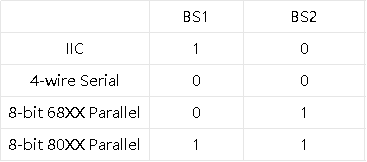 |
| 7 | BS2 | I | |
| 9 | RES# | I | Power Reset for Controller and Driver This pin is reset signal input.When the pin is low, initialization of the chip is executed. Keep this pin pull high during normal operation. |
| 8 | CS# | I | Chip Select This pin is the chip select input.The chip is enabled for MCU communication only when CS# is pulled low. |
| 10 | D/C# | I | Data/Command Control This pin is Data/Command control pin.When the pin is pulled high, the input at D7~D0 will be interpreted as display data.When the pin is pulled low, the input at D7~D0 will be transferred to the command register. When the pin is pulled high and serial interface mode is selected, the data at SDIN will be interpreted as data.When it is pulled low, the data at SDIN will be transferred to the command register.In IIC mode, this pin acts as SA0 for slave address selection. For detail relationship to MCU interface signals, please refer to the Timing Characteristics Diagrams. |
| 12 | E/RD# | I | Read/Write Enable or Read This pin is MCU interface input. When interfacing to a 68XX-series microprocessor, this pin will be used as the Enable (E) signal. Read/write operation is initiated when this pin is pulled high and the CS# is pulled low. When connecting to an 80XX-microprocessor, this pin receives the Read (RD#) signal. Data read operation is initiated when this pin is pulled low and CS# is pulled low. When serial or IIC mode is selected, this pin must be connected to Vss. |
| 11 | R/W# | I | Read/Write Select or Write This pin is MCU interface input. When interfacing to a 68XX-series microprocessor, this pin will be used as Read/Write (R/W#) selection input. Pull this pin to “High” for read mode and pull it to “Low” for write mode. When 80XX interface mode is selected, this pin will be the Write(WR#) input. Data write operation is initiated when this pin is pulled low and the CS# is pulled low. When serial or IIC mode is selected, this pin must be connected to Vss. |
| 13-20 | D0-D7 | I/O | Host Data Input/Output Bus These pins are 8-bit bi-directional data bus to be connected to the microprocessor’s data bus. When serial mode is selected, D1 will be the serial data input SDIN and D0 will be the serial clock input SCLK.When IIC mode is selected, D2, D1 should be tired together and serve as SDAout,SDAin in application and D0 is the serial clock input,SCL. Unused pins must be connected to Vss except for D2 in serial mode. |
| 4 | NC | Reserved Pin The N.C.pin between function pins is reserved for compatible and flexible design. | |
| 1,24 | NC(GND) | Reserved Pin (Supporting Pin) The supporting pins can reduce the influences from stresses on the function pins. These pins must be connected to external ground as the ESD protection circuit. |